FEATURES
Everything it takes to run your social media — in one place.
Connect your accounts, design the content, schedule and publish it, follow a plan that makes sense for where your brand is right now, and get better every month. Six parts of one job.
SIX PARTS OF ONE JOB
What does Postveo actually do?
Postveo does six things that would otherwise need a marketer, a designer, a copywriter and a scheduling tool. It connects your Instagram, Facebook, Threads and LinkedIn accounts through their official logins and keeps an eye on those connections. It designs — learning your brand from your website and your logo, then producing captions, images, posters, carousels and short videos that look like you made them. It schedules every approved post into a calendar at the times your audience is active and publishes automatically, showing you platform by platform whether each one landed. It gives you AI Posters in all three sizes social media needs, editable on a canvas. It draws a six-stage Brand Roadmap so you always know what to market next. And it learns — every result feeds a playbook that shapes the following month’s plan.
- Threads
The six parts, at a glance
Instagram, Facebook, Threads and LinkedIn through their official logins — every connection watched.
Captions, images, posters, carousels and short videos that look like you made them.
Publishes automatically at the times your audience is active, with per-platform status.
All three sizes social media needs, editable on a canvas.
Six stages, so you always know what to market next.
Every result feeds a playbook that shapes next month’s plan.
Tap any part to jump to its full section
CONNECT
Connect once. Stay connected.
How does connecting an account to Postveo work?
Connecting an account to Postveo takes a couple of taps and happens through the platform’s own official login screen — Postveo never asks for, and never stores, your social media passwords. Once an account is linked, Postveo keeps watching it. Every connection shows a live status: connected, expiring soon, or needs attention, with a one-tap fix, so you find out about a broken link before it costs you a post rather than after one fails. If you run more than one handle or Page, they all sit in one dashboard, and you choose exactly which account each brand publishes to — including which Facebook Page or which LinkedIn company page. How many accounts and brands you can run is set by your plan, and upgrading opens more immediately. On the Agency plan you can add teammates with owner, admin or editor roles.
see how many accounts each plan includes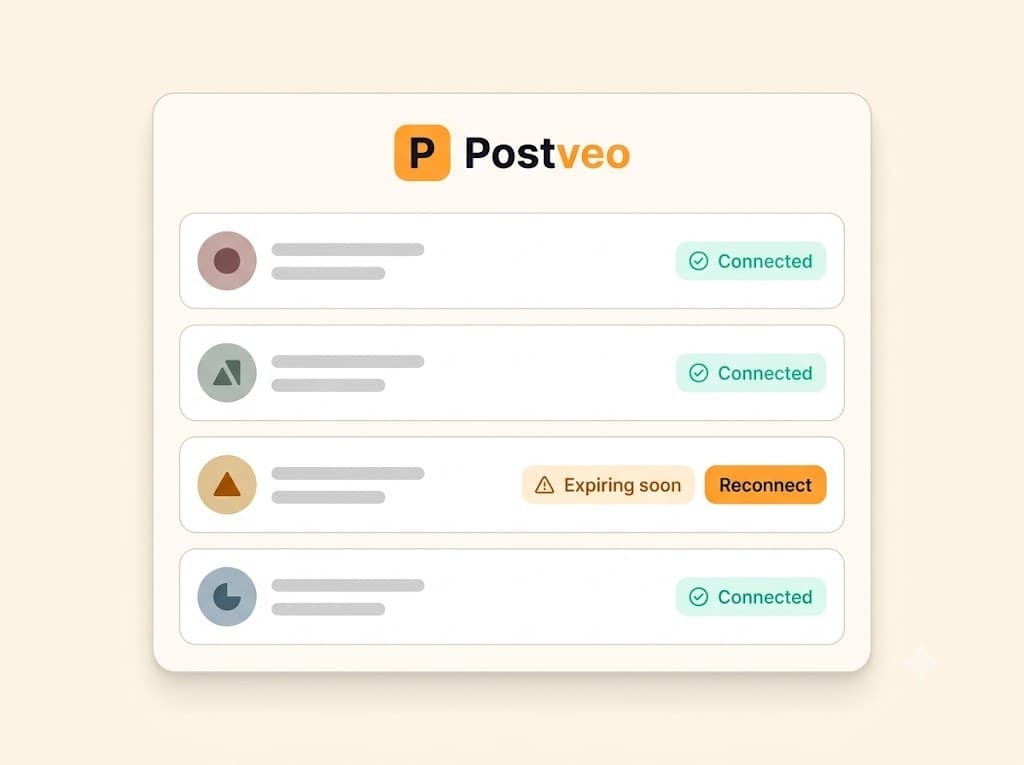
Guided account linking
Connect each platform through its own official login. Postveo never asks for your passwords and never stores them.
Connection health at a glance
Every account shows a live status — connected, expiring soon, or needs attention — with a one-tap fix.
Many accounts, one dashboard
Run several Instagram handles or Facebook Pages side by side, and pick exactly which one each brand publishes to.
Brands, not chaos
A brand holds its own logo, colours, voice, catalogue and accounts. Agencies keep one brand per client and switch from the top bar.
Capacity follows your plan
Your plan sets how many accounts and brands you can run. Upgrade and the extra capacity is there straight away.
Team seats and roles
On Agency, add teammates as owner, admin or editor — with control over who can approve, publish or see billing.
- Threads
Instagram, Facebook and Threads on every plan · LinkedIn on Growth and Agency
During the trial, you publish to ready demo accounts — choose a plan to connect your own social media accounts.
DESIGN
Content that looks like you made it. Because your brand did.
How does Postveo learn my brand?
Teach Postveo your business once and it never has to ask again. Paste your website link and it drafts your whole brand profile — what you do, your story, your tone of voice, your products and your colours — for you to review and correct. Upload your logo and it removes the background, pulls your palette and suggests a headline style. Add what you sell, with photos and prices, or paste a product link and let it fill the details in. From then on, every caption is written in your voice and sized correctly for each platform, and every visual carries your logo, your colours and your fonts. Each month Postveo proposes complete campaigns with dated posts, built around your catalogue and the festivals in your region — and you can add, regenerate, rewrite or delete any of it.
what a designed post costs in credits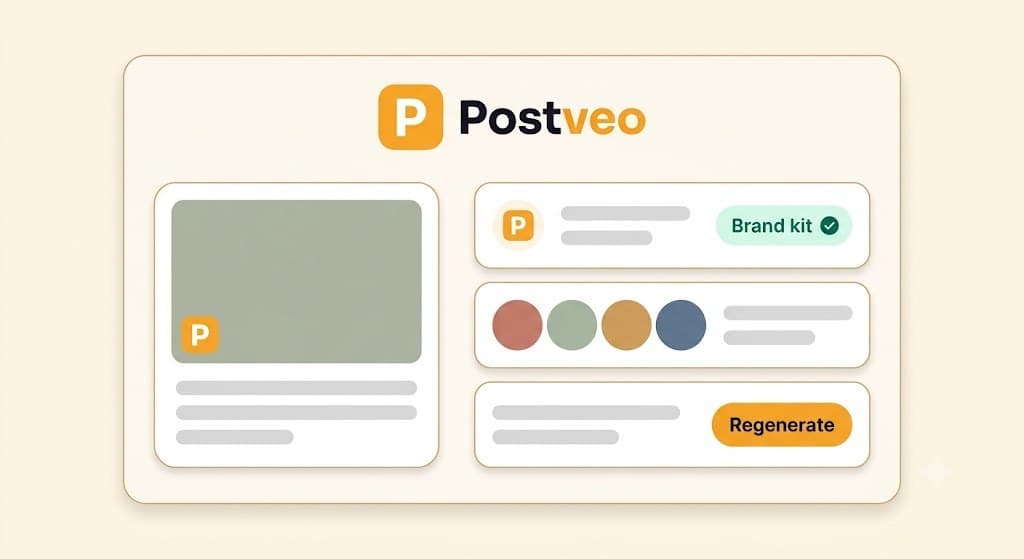
Brand setup from a link
Paste your website and watch Postveo draft your brand — story, tone, products, colours. Review, tweak, done.
A real brand kit
Upload your logo once. Postveo removes the background, pulls your palette and picks a headline style — then applies them to everything it makes.
Your products and services
Add what you sell with photos and prices, or paste a product link and let Postveo fill it in. Uploaded photos get a background-free copy automatically.
A month planned for you
Complete campaigns with dated posts, aware of the festivals in your region and built around what you actually sell.
Captions in your voice
Platform-perfect copy for Instagram, Facebook, Threads and LinkedIn — the right length, the right tone, hashtags and your link included.
Visuals four ways
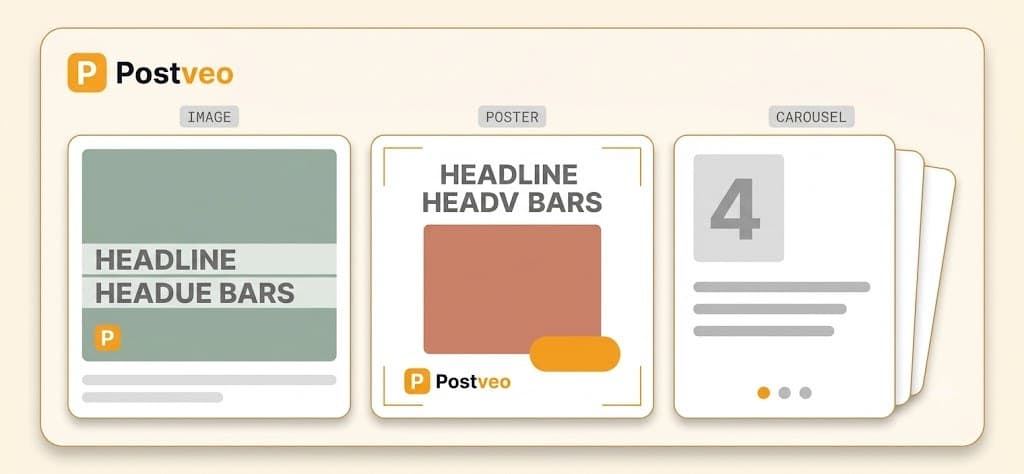
AI-designed images with your headline in your brand font, instant branded posters, your own product photos placed cleanly, or anything you upload.
Short video reels
Turn a post into a short reel on the Growth and Agency plans.
Always-on series
Quote cards, product rotations and other recurring series keep the calendar full between campaigns.
Reject it. Tell it why.
Not right? Reject a caption or an image with a note, and that note rides along until you approve. Regenerate one slide, one caption or the whole set. Editing by hand is always free.
SCHEDULER
Approved today. Published on time. Every time.
How does Postveo schedule and publish my posts?
One calendar holds everything you’ve approved, across every brand and every platform. You can work in month, week or agenda view and drag a post to move it. New posts drop into your queue — the times you’ve told Postveo your brand posts, or the peak hours it suggests from your own audience’s behaviour — and two posts never land on the same slot. At the scheduled minute, Postveo publishes to every platform you selected. There are no reminders to action and no copy-pasting into four apps. You then watch each post confirm platform by platform, in plain language: if Instagram succeeded and Facebook didn’t, you see why, and you retry just the one that failed — the successful one is never resent. Need something out right now instead? Quick Post is one screen: pick accounts, write, attach, publish.
see the checkpoints you approve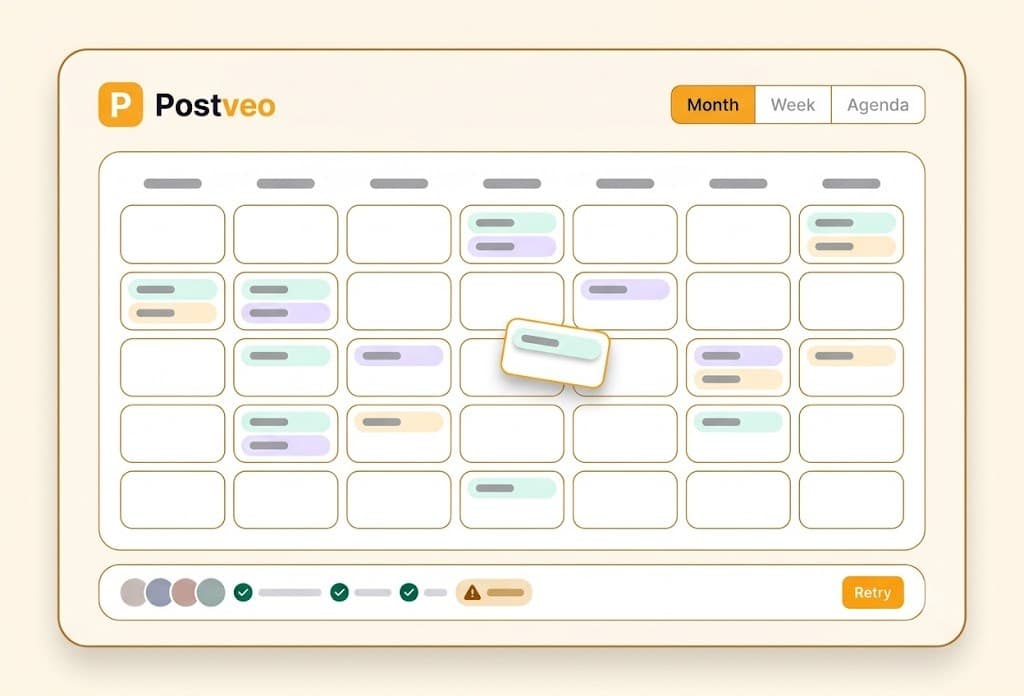
One calendar for everything
Month, week and agenda views across every brand and platform. Drag a post to reschedule it.
Queue slots and peak hours
Set the times your brand posts, or use the peak hours Postveo suggests from your own audience. New posts fill the next free slot — never two in the same one.
It publishes itself
At the scheduled minute Postveo posts to every platform you chose. No reminders, no copy-pasting.
Honest, live status
Watch each post confirm platform by platform, in plain language.
Retry just what failed
If one platform fails, fix and retry only that one. The posts that went out stay out.
Quick Post
One screen for right now: pick accounts, write, attach an image or video, and post — or drop it into the queue. Drafts autosave.
Always-on series
Recurring series fill the gaps between campaigns so the calendar is never empty.
Post now, any time
Any scheduled post can be pushed out immediately.
AI POSTERS
One line in. A finished poster out. In three sizes.
How do AI Posters work?
Describe what the poster is for — a Diwali offer, a new arrival, a weekend special — and Postveo designs it: the artwork, your headline set in your brand font, your logo in the corner you chose, and the price, offer and contact details in the right places. You get all three sizes social media needs — 1:1 for the feed, 4:5 for the portrait feed and 9:16 for stories and reels — and each size keeps its own layout, so fixing the story version never pushes the square one off-canvas. Everything is editable on a canvas: drag any element, resize it, recolour it, retype it, switch the background treatment. Edits cost nothing. Every poster keeps its versions, so you can restore an earlier one at any time without losing the newer work. Template-based posters are instant and use zero credits.
what an AI poster costs
Describe it, get a poster
Say what it’s for. Postveo designs the artwork and sets your headline, price, offer and contact details on it.
Three sizes, each laid out properly
1:1, 4:5 and 9:16 — every size keeps its own geometry, so fixing one never breaks another.
Your brand, automatically
Your logo, colours, fonts and business name. Toggle the logo on or off, choose its corner, or turn brand styling off for a one-off look.
A real canvas editor
Drag, resize, recolour and retype directly on the poster. Edits are always free.
Every version kept
Restore an earlier version at any time. Restoring creates a new version — it never destroys work.
Festival-aware
Pick Diwali, Onam, Pongal, Eid and more, and the scene, motifs and styling follow that festival — not a generic “festive” look.
Product-aware
Point a poster at something in your catalogue and its name, description and price shape both the artwork and the words.
Templates cost nothing
Making, previewing, editing, exporting and restoring a template poster uses zero credits.
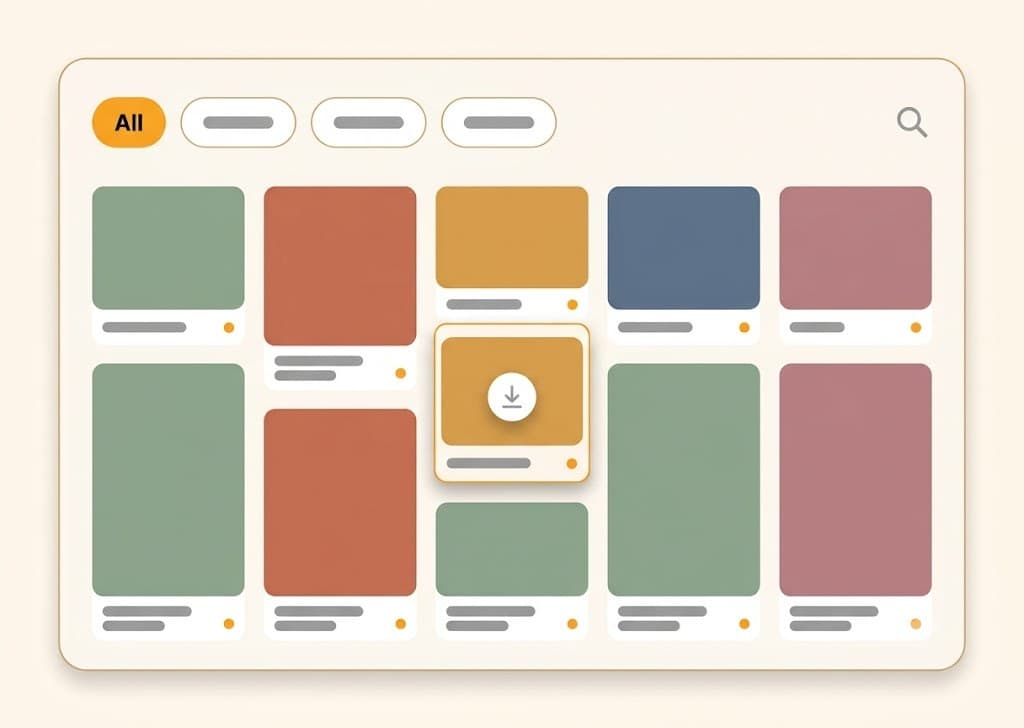
Every poster you’ve made lives in one gallery — filtered by brand, by product and by size, with a full-screen viewer, keyboard and swipe navigation, and one-tap download of any size.
BRAND ROADMAP
“I don’t know what to market.” Start here.
What is the Brand Roadmap?
Most marketing tools hand you a blank Generate button. Postveo hands you a road. The Brand Roadmap is a six-stage journey drawn for your brand — Set up, Get known, Launch, Get talking, Get sales, Keep them — and each stage is explained in your own business’s terms: what it means for you, what a campaign at this stage looks like, and what “done enough” feels like. Every stage comes with two to four concrete campaign ideas you can turn into a real, dated campaign in one tap. Nothing is ever blocked — if you run a campaign that doesn’t fit the current stage, it’s quietly filed where it belongs. And you move to the next stage when the results say it’s working, not when a calendar says so. Every monthly plan is one instalment of that journey instead of a fresh guess.
| Stage | What happens here | An idea it might suggest |
|---|---|---|
| 01Set up | Your story, your identity, your profiles. The one-time work that makes everything after it easier. | Finish your brand profile and pick your voice. |
| 02Get known | Awareness. Introduce who you are to people who have never heard of you. | A “meet the people behind the counter” series. |
| 03Launch | Introduce what you sell, one offering at a time, so each thing gets its own moment. | A launch campaign for your newest collection. |
| 04Get talking | Engagement. Build community, trust and social proof. | Customer stories and a question-a-week series. |
| 05Get sales | Conversion. Offers, bookings and reasons to act now. | A festival offer with a clear deadline. |
| 06Keep them | Loyalty. Repeat customers, not just new ones. | A regulars-only reward for people who came back. |
It advises, it never blocks.
An off-road campaign is quietly filed where it fits. You are never stopped.
It teaches as you go.
Every stage explains itself in plain words — what it is, why now, and what “done enough” looks like.
You advance on evidence.
When the results say a stage is working, Postveo proposes moving on and you confirm.

RESULTS
It remembers what worked. That’s the part that compounds.
What does Postveo do with the results?
Every post Postveo publishes comes back with numbers — reach, engagement and follower growth, per post and per platform — and those numbers are translated into plain language rather than left as a dashboard to decode: carousels are outperforming single images, evenings are landing better than mornings. More importantly, the results don’t just get displayed. They get written into a playbook for your brand — which formats, times, topics and styles work for you — and that playbook shapes next month’s plan, the next captions and the next visuals. A design tool has no memory of what you posted. A scheduler has no opinion about it. Postveo uses last month to make next month better, every cycle. If you already have a posting history, you can upload your past posts and their results and it will learn from those immediately instead of starting from zero.
how the Brand Roadmap uses what it learns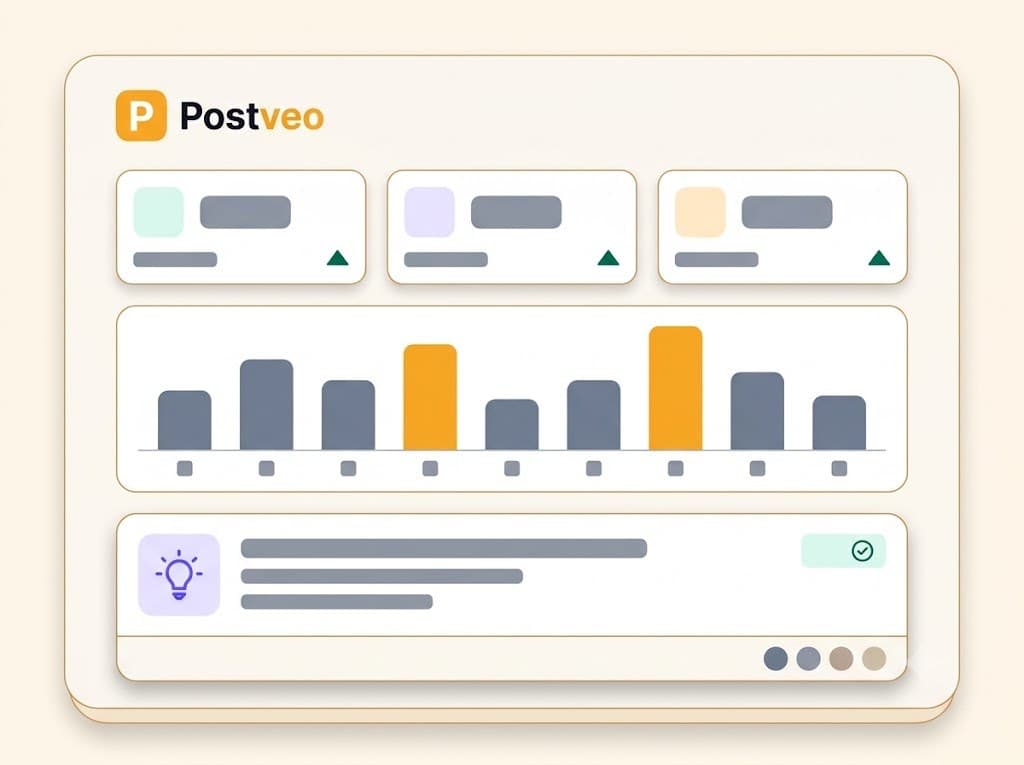
Numbers per post and per platform
Reach, engagement and follower growth, without a dashboard to decode.
Insights in plain language
“Carousels are outperforming single images” — the finding, not the chart.
A playbook for your brand
What works for you is written down and used to plan the next month.
Bring your history with you
Upload your past posts and their results and Postveo learns from them straight away.
Correct it when it’s wrong
The playbook is yours. If an insight is off, say so and it updates.
Nothing goes out without your OK.
Postveo pauses at simple checkpoints — the plan, the words, the visuals, the schedule. You tap approve or ask for a change. That’s the whole job: about 15 minutes a week.
- PLAN ✓ APPROVED
- COPY ✓ APPROVED
- VISUALS ✓ APPROVED
QUESTIONS
What people ask about the features.
Yes. You can connect several Instagram handles or Facebook Pages, keep each one under its own brand, and choose exactly which account a post publishes to. How many accounts you can connect at once is set by your plan — 3 on Starter, 5 on Growth and 15 on Agency.
Three: 1:1 for the feed, 4:5 for the portrait feed, and 9:16 for stories and reels. Each size keeps its own layout, so adjusting one never breaks another, and you can download any of them individually.
Yes, all of it. Captions can be rewritten by hand, images and slides can be regenerated with a note explaining what was wrong, and posters open in a canvas editor where you can drag, resize, recolour and retype anything. Manual edits never cost credits.
You see it immediately, per platform, with the reason in plain language. You fix the cause and retry only the platform that failed — the ones that already published are never posted twice.
Yes. Monthly planning is aware of festivals and key dates in your region, and AI Posters let you pick the specific festival — Diwali, Onam, Pongal, Eid and others — so the design follows that occasion rather than a generic festive look.
It’s for anyone who doesn’t yet know what to market. Postveo draws a six-stage journey for your brand — Set up, Get known, Launch, Get talking, Get sales, Keep them — explains each stage in your business’s own terms, and gives you concrete campaign ideas at every stage. It advises; it never blocks.
GET STARTED
Your next month of posts is one approval away.
Connect your accounts, tell Postveo about your business, and approve the plan. That’s the setup.
300 free trial credits · You approve everything · Plans from ₹999/month